
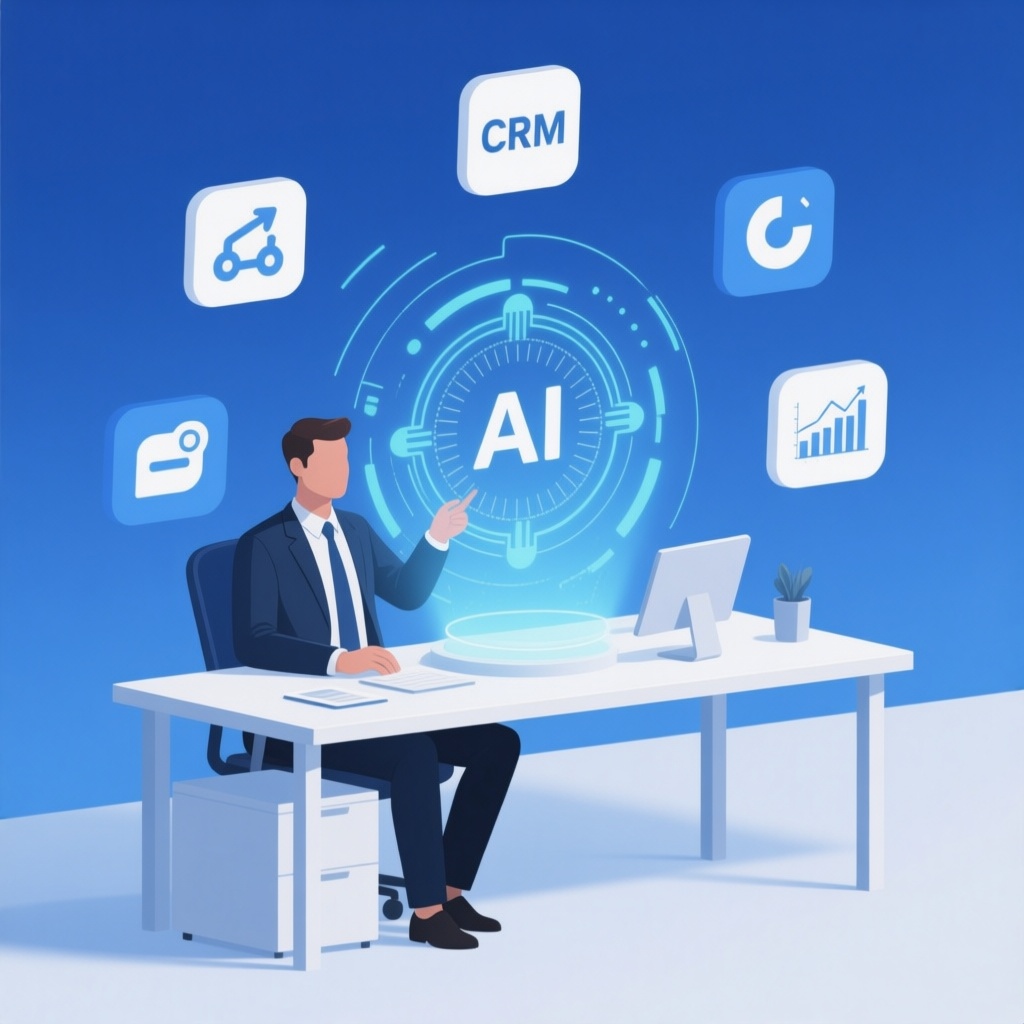
AI Integration for Business: A Practical Guide for SMBs
Artificial intelligence is no longer a luxury reserved for tech giants. Small and medium-sized businesses across the US, Canada, and Europe are using AI to automate repetitive tasks, improve customer service, and gain insights from their data. But integrating AI into your business isn’t about buying a tool and hoping for the best. It requires a clear strategy, the right use cases, and often custom development to fit your existing workflows.
This guide walks you through what AI integration really means, how to identify the best opportunities in your business, and how to implement AI solutions that deliver measurable value.
What Does AI Integration Mean for Your Business?
AI integration means embedding artificial intelligence capabilities into your existing software, systems, and processes. Instead of using a standalone AI tool, you connect AI models to your CRM, ERP, website, or internal tools to automate decisions, generate responses, or analyze data in real time.
For example, an AI integration could automatically categorize support tickets, generate personalized email responses, or flag unusual transactions in your accounting system. The key is that AI becomes part of your workflow, not a separate app your team has to switch to.
Why AI Integration Matters for SMBs
Many business owners assume AI is only for large enterprises with massive data teams. In reality, AI integration is often easier for smaller companies because you have fewer legacy systems and can adapt faster. Here’s why SMBs should pay attention:
- Efficiency gains: Automating repetitive tasks frees up your team for higher-value work.
- Cost savings: AI can reduce manual labor costs and minimize errors.
- Better customer experience: AI-powered chatbots and personalized recommendations can improve satisfaction.
- Data-driven decisions: AI can analyze sales trends, customer behavior, and operational metrics to guide strategy.
- Competitive advantage: Early adopters of AI can outpace competitors who are still doing things manually.
Common AI Use Cases for Small and Medium Businesses
Not every AI use case is relevant to every business. Here are the most common and impactful applications for SMBs:
1. Customer Support Automation
AI-powered chatbots can handle common inquiries 24/7, route complex issues to human agents, and even resolve simple problems without human intervention. This reduces response times and frees up your support team.
2. Sales and Marketing Personalization
AI can analyze customer data to segment audiences, personalize email campaigns, and recommend products based on past behavior. This leads to higher conversion rates and customer loyalty.
3. Document Processing and Data Entry
AI can extract data from invoices, contracts, and forms, reducing manual data entry errors and speeding up workflows. This is especially useful for finance, HR, and operations teams.
4. Predictive Analytics
AI can forecast demand, identify churn risks, and predict inventory needs. This helps you make proactive decisions instead of reacting to problems.
5. Business Process Automation
AI can trigger workflows based on events. For example, when a lead fills out a form, AI can score the lead, send a follow-up email, and schedule a meeting—all without human input.
AI Integration vs. AI Automation: What’s the Difference?
You’ll often hear these terms used interchangeably, but they’re not the same. AI integration is about connecting AI to your systems. AI automation is about using AI to perform tasks automatically. In practice, AI integration enables automation. For instance, integrating an AI model into your CRM allows you to automate lead scoring.
When planning your AI strategy, think about both: which systems need AI capabilities, and which processes can become automated once AI is in place.
How to Identify the Right AI Opportunities for Your Business
Not every process needs AI. Here’s a simple framework to evaluate where AI can add the most value:
- List repetitive tasks: Write down tasks that your team does daily that are time-consuming and rule-based.
- Estimate the cost: Calculate how much time (and money) these tasks consume each month.
- Assess data availability: AI needs data to learn. Do you have enough historical data to train a model?
- Check for clear outcomes: Can you define what success looks like? For example, “reduce response time by 50%” or “cut data entry errors by 80%.”
- Start small: Pick one high-impact, low-complexity use case to pilot first.
Cost Considerations for AI Integration
AI integration costs vary widely depending on the complexity, the AI model used, and whether you need custom development. Here’s a rough breakdown:
| Type of AI Solution | Typical Cost Range | Best For |
|---|---|---|
| Off-the-shelf AI tools (e.g., ChatGPT Plus, Zapier AI) | $20–$200/month | Simple automation and content generation |
| AI integrations with existing SaaS (e.g., CRM AI add-ons) | $100–$1,000/month | Businesses using standard platforms |
| Custom AI development (model training, custom APIs) | $10,000–$100,000+ | Unique processes or high-volume needs |
Keep in mind that the total cost includes not just development but also maintenance, data storage, and ongoing model updates. It’s wise to start with a small pilot to validate ROI before scaling.
Steps to Integrate AI into Your Business
Successful AI integration follows a structured approach. Here are the steps we recommend:
Step 1: Define Your Objectives
What problem are you solving? Be specific. Instead of “improve customer service,” say “reduce average response time from 4 hours to 1 hour.”
Step 2: Audit Your Current Systems
Identify which software you use (CRM, ERP, helpdesk, etc.) and what data is available. This helps determine where AI can be integrated.
Step 3: Choose the Right AI Model or Service
You can use pre-trained models (like OpenAI’s GPT) or custom models. Pre-trained models are faster to deploy, while custom models can be more accurate for niche tasks.
Step 4: Develop or Configure the Integration
This involves connecting the AI to your systems via APIs, building custom logic, and ensuring data flows securely. This is where a development partner can save you time and headaches.
Step 5: Test and Iterate
Run the AI on a small set of data, measure performance, and refine. Don’t expect perfection on the first try.
Step 6: Train Your Team
Employees need to understand how to use the AI and when to override it. Provide clear guidelines and support.
AI Integration Challenges and How to Overcome Them
AI integration isn’t without hurdles. Here are common challenges and solutions:
- Data quality issues: AI is only as good as your data. Clean and organize your data before integration.
- Security and privacy concerns: Ensure AI systems comply with regulations like GDPR. Work with developers who prioritize security.
- Resistance from employees: Communicate the benefits and involve staff early in the process.
- Integration complexity: Legacy systems may not have APIs. A custom integration layer can bridge the gap.
- Cost overruns: Start small and scale only after proving value.
How PrismVertex Can Help with AI Integration
At PrismVertex, we specialize in custom software development and AI integration for businesses across the US, Canada, and Europe. Whether you need to add AI to your existing CRM, automate customer support, or build a custom AI-powered application, we can help you design and implement a solution that fits your workflows and budget.
Our team has experience with WordPress development, web development, CRM/ERP systems, and third-party integrations. We can also help you leverage AI for document automation and other business processes.
If you’re unsure where to start, we offer a free consultation to assess your needs and recommend the most cost-effective AI integration path.
Frequently Asked Questions
What is the difference between AI integration and custom software development?
AI integration is a subset of custom software development. It focuses specifically on incorporating AI capabilities into existing or new software. Custom software development can include AI but also covers other features like user interfaces, databases, and business logic.
How long does it take to integrate AI into my business?
Timelines vary. A simple integration (like adding a chatbot to your website) can take a few weeks. A complex integration (like training a custom model on your data) might take several months. The key is to define clear milestones.
Do I need to have large amounts of data to use AI?
Not necessarily. Pre-trained models can work with small datasets. However, if you need highly accurate predictions for your specific business, you may need to collect more data over time.
Is AI integration secure?
Security depends on how the integration is built. Reputable developers follow best practices like data encryption, access controls, and compliance with regulations like GDPR. Always ask about security measures before proceeding.
Ready to Integrate AI into Your Business?
AI integration can transform how you operate, but it requires careful planning and execution. By starting with a clear use case, choosing the right approach, and working with experienced developers, you can unlock the benefits of AI without unnecessary risk.
Contact PrismVertex today to discuss your AI integration project and get a free assessment.