
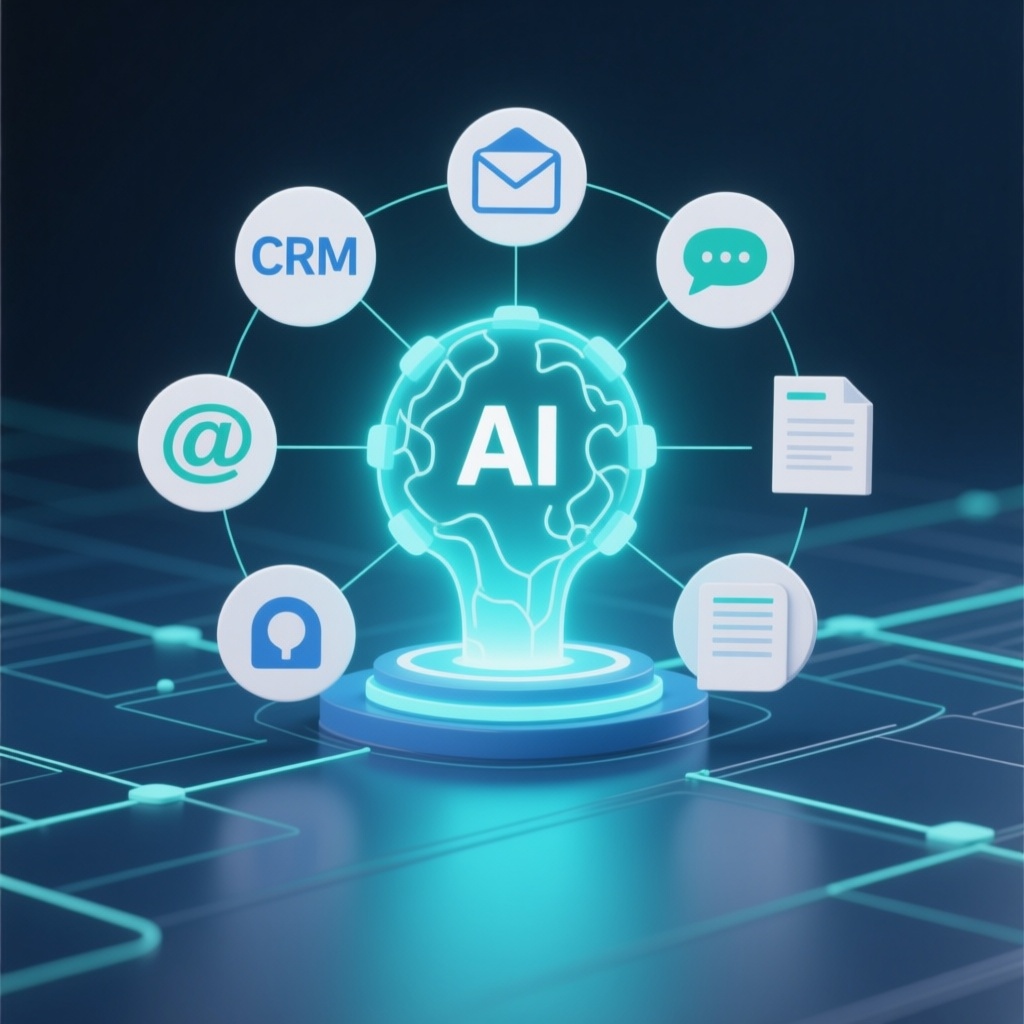
AI Integration for Business: A Practical 2025 Guide for SMBs
AI integration for business means connecting AI capabilities—such as chatbots, document processing, or predictive analytics—directly into the software your team already uses (CRM, ERP, email, helpdesk). Unlike standalone AI tools, integration embeds intelligence into daily workflows so employees don’t have to switch apps or manually move data.
For small and medium-sized businesses, this is no longer a future concept. It’s a cost-cutting and capacity-building move that can be implemented in weeks, not years. This guide explains what to integrate, how to choose projects, what it costs, and how to avoid common pitfalls.
What Is AI Integration (and How Is It Different from AI Software)?
AI integration is the process of connecting AI services or models to your existing systems via APIs, webhooks, or embedded modules. It’s different from building a standalone AI application from scratch. Integration is usually faster, cheaper, and less risky because it enhances tools your team already knows.
Examples include:
- An AI assistant inside your CRM that summarizes customer history before a sales call.
- Automated invoice data extraction feeding directly into your accounting system.
- A chatbot on your website that hands off qualified leads to your sales team in real time.
If you need a fully custom AI-powered application—such as a proprietary recommendation engine or a domain-specific agent—that falls under custom software development services, which we also provide.
Why SMBs Are Investing in AI Integration Now
Three forces are converging:
- Cost of AI has dropped. API-based models are affordable for small teams.
- Customer expectations have risen. Buyers expect fast, 24/7 responses.
- Competition is automating. Businesses that integrate AI are responding faster and operating leaner.
According to McKinsey, companies that integrate AI into workflows see measurable gains in customer satisfaction and operational efficiency. For SMBs, even small automations can free up 10–20 hours per week per team.
High-Impact AI Integration Use Cases for SMBs
Not all AI projects are equal. The best starting points are repetitive, rule-based tasks with clear success metrics. Here are the most common high-ROI integrations we see.
| Use Case | What It Does | Typical Tools | Time to Implement |
|---|---|---|---|
| Customer support automation | Answers common questions, routes complex tickets, suggests replies | Zendesk, Intercom, Freshdesk | 2–4 weeks |
| Lead qualification & routing | Scores leads, assigns to sales, triggers follow-ups | HubSpot, Salesforce, Pipedrive | 2–3 weeks |
| Document processing | Extracts data from invoices, contracts, forms | DocuSign, QuickBooks, custom APIs | 3–6 weeks |
| Email & calendar automation | Schedules meetings, drafts responses, summarizes threads | Gmail, Outlook, Calendly | 1–2 weeks |
| Internal knowledge assistant | Answers employee questions from company docs | Slack, Teams, Notion | 3–5 weeks |
For healthcare organizations, AI integration can also streamline patient intake, appointment reminders, and documentation—areas where healthcare-specific software services are often required to meet compliance standards.
How to Choose Your First AI Integration Project
Use this checklist to pick a project that will succeed and build momentum.
- Is the task repetitive? If it happens daily or weekly, it’s a candidate.
- Is there a clear success metric? e.g., reduce response time by 30%.
- Is the data accessible? AI needs clean, structured input.
- Is the risk low? Start with internal or back-office tasks before customer-facing ones.
- Does it integrate with existing tools? Avoid rip-and-replace projects.
If you’re unsure where to start, a short discovery engagement with a custom software development company can map your workflows and identify quick wins.
AI Integration Costs: What to Expect
Costs vary widely based on complexity, but here are realistic ranges for SMBs in the US, Canada, and Europe.
| Project Type | Typical Cost Range (USD) | Timeline |
|---|---|---|
| Simple automation (e.g., email parsing) | $3,000 – $8,000 | 1–2 weeks |
| CRM AI integration (lead scoring, summaries) | $8,000 – $20,000 | 3–6 weeks |
| Customer support chatbot with handoff | $10,000 – $25,000 | 4–8 weeks |
| Custom AI-powered application | $25,000 – $100,000+ | 2–6 months |
Ongoing costs include API usage (often $50–$500/month for SMBs) and maintenance. Many integrations pay for themselves within 6–12 months through labor savings and improved conversion.
Common Pitfalls and How to Avoid Them
AI integration projects fail for predictable reasons. Here’s how to steer clear.
- No clear owner: Assign a business lead and a technical lead.
- Dirty data: Clean your CRM and databases before integrating.
- Over-automating: Keep humans in the loop for sensitive decisions.
- Ignoring compliance: Ensure GDPR (Europe) and PIPEDA (Canada) compliance, especially with customer data.
- No measurement: Define KPIs before launch and review monthly.
If you’re integrating with third-party platforms like DocuSign, be aware that DIY approaches often break. A professional integration ensures reliability and security.
Build vs. Buy: When to Customize
Off-the-shelf AI tools are great for generic tasks (e.g., meeting transcription). But if your workflows are unique—or you need AI embedded in a proprietary system—custom development is the better path. Signs you need custom AI development:
- Your process is a competitive advantage.
- No existing tool fits your data model.
- You need tight integration with legacy systems.
- You require specific security or compliance controls.
In these cases, a custom AI development service can build a solution tailored to your business.
Getting Started: A 4-Step Roadmap
- Audit workflows: List repetitive tasks and their time cost.
- Prioritize one project: Choose the highest-impact, lowest-risk task.
- Partner with an expert: Work with a team experienced in AI integration and your industry.
- Measure and expand: Track results, then scale to other areas.
PrismVertex specializes in AI integration and business automation for SMBs across the US, Canada, and Europe. We help you identify quick wins and implement them without disrupting your operations.
Frequently Asked Questions
How long does AI integration take?
Most SMB integrations take 2–8 weeks, depending on complexity and data readiness.
Do I need a developer on staff?
No. Most businesses partner with an external team for implementation and then manage the system with existing staff.
Is AI integration secure?
Yes, when done correctly. Reputable providers follow security best practices and comply with GDPR, PIPEDA, and other regulations.
What if I already use a CRM like Salesforce or HubSpot?
AI can be integrated directly into these platforms, enhancing their capabilities without replacing them.
How do I measure ROI?
Track time saved, response times, conversion rates, and cost per transaction before and after integration.
Ready to explore AI integration for your business? Contact PrismVertex for a free consultation.