
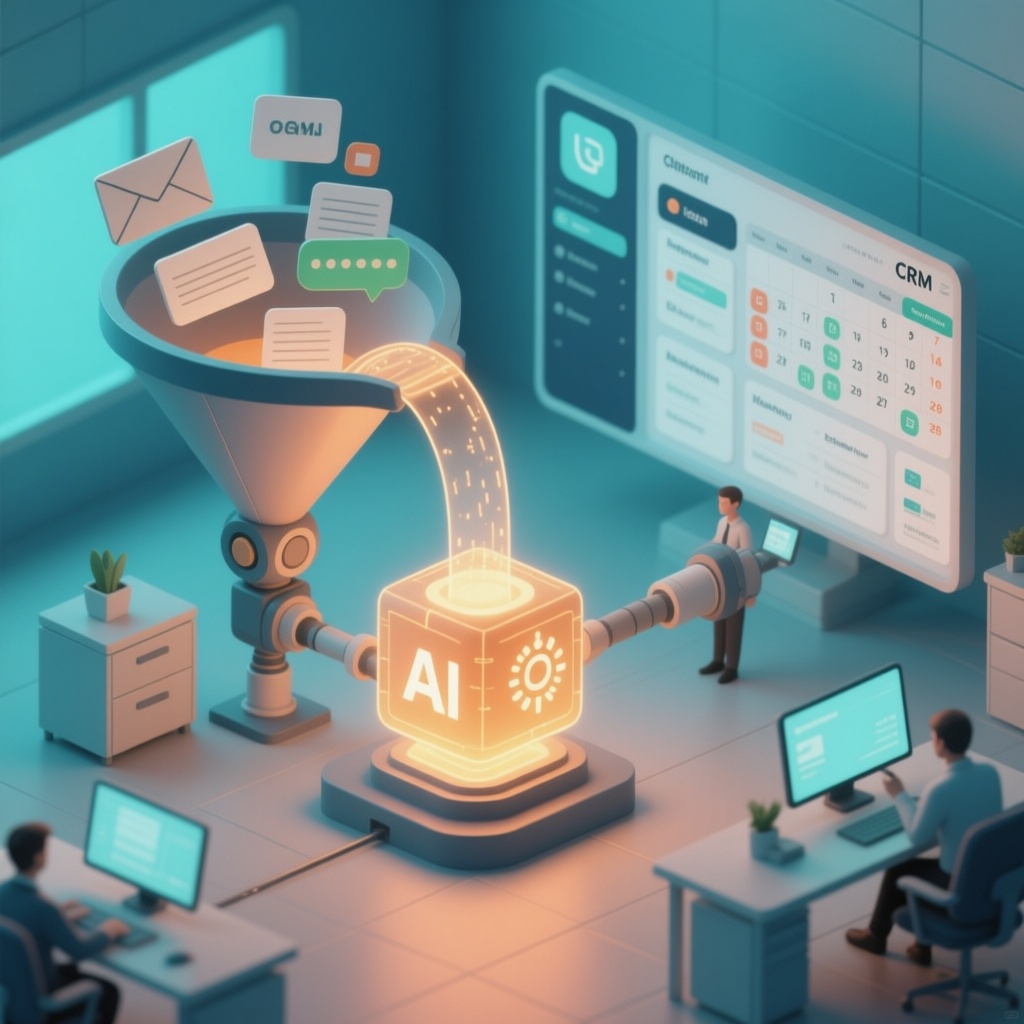
AI Business Automation: A Practical Guide for Small and Mid-Sized Companies
Most small and mid-sized companies do not need a moonshot AI project. They need a handful of repetitive, expensive workflows to run themselves: lead follow-up, invoice processing, support tickets, reporting, and data entry between systems that were never designed to talk to each other. AI business automation is the practice of using AI models and AI agents to handle those workflows inside the tools you already use, with your team supervising exceptions instead of doing the routine work.
This guide covers where AI automation pays off fastest, what it realistically costs, how to choose between off-the-shelf tools and custom development, and a rollout plan you can run in 90 days.
What AI business automation actually means
Traditional automation follows fixed rules: if a form is submitted, send an email. AI automation handles the messy middle where rules break down. It can read an unstructured email, decide what the customer is asking, pull the right data from three systems, draft a response, and route anything unusual to a human.
- AI integration connects AI capabilities (language models, document parsing, classification, summarization) to your existing software, such as your CRM, ERP, helpdesk, or accounting system.
- AI agents are software workers that carry out multi-step tasks: they gather information, take actions in your systems, and check their own output against rules you define.
- Business automation is the broader discipline of removing manual steps from workflows. AI extends it to tasks that previously required human judgment, like reading a contract or triaging a complaint.
The practical difference: rule-based automation saves time on predictable tasks. AI automation saves time on unpredictable ones, which is where most small businesses lose the most hours.
Where AI automation delivers the fastest ROI
High-return projects share three traits: high volume, repetitive decisions, and a clear cost of error. The table below reflects what we typically see when scoping AI automation for small and mid-sized businesses in the US, Canada, and Europe.
| Workflow | What AI does | Typical payback |
|---|---|---|
| Lead capture and qualification | Reads inbound emails and web forms, enriches with CRM data, scores and routes leads, drafts first reply | 2–4 months |
| Customer support triage | Classifies tickets, answers common questions from your knowledge base, escalates the rest with context | 3–6 months |
| Invoice and document processing | Extracts line items from PDFs and scanned invoices, matches to POs, flags mismatches | 3–5 months |
| Data entry between systems | Syncs records across CRM, ERP, and spreadsheets without manual copying | 1–3 months |
| Reporting and summaries | Compiles weekly sales, ops, or finance summaries from live data | 1–2 months |
| Appointment and order scheduling | Negotiates times, confirms bookings, reschedules, updates calendars | 2–4 months |
Start with the workflow where a single person spends more than 10 hours a week on repetitive work. That is usually enough volume to justify the build and to measure results within a quarter.
Build vs. buy: how to decide
Off-the-shelf AI tools are the right answer when your process is standard and your data lives in mainstream platforms. Custom AI development makes sense when your workflow is a competitive advantage, when your systems are unusual, or when data privacy rules limit what you can send to third-party tools.
| Factor | Off-the-shelf tool | Custom AI development |
|---|---|---|
| Time to first result | Days to weeks | 4–12 weeks |
| Fit with your process | You adapt to the tool | The tool adapts to you |
| Data control | Vendor-hosted, shared models | Your infrastructure, your rules |
| Ongoing cost | Per-seat subscription | Usage-based plus maintenance |
| Best for | Standard tasks: email, scheduling, generic support | Proprietary workflows, regulated data, system integration |
A hybrid approach is often the most cost-effective: use an off-the-shelf tool for the front end and a custom integration layer to connect it to your CRM, ERP, or internal database. That is where most of the value is created, because the AI only becomes useful when it can act on your real data.
What AI automation costs
Costs vary widely by scope, but the ranges below reflect typical projects for small and mid-sized businesses.
- Pilot project (one workflow, one team): a focused integration that proves value before broader rollout.
- Department-level automation: multiple connected workflows, usually with a custom interface for staff.
- Company-wide platform: AI integrated across CRM, ERP, support, and reporting, with governance and monitoring.
Ongoing costs include model usage fees (usually modest at small-business volumes), hosting, and maintenance. The largest cost is almost always the initial integration work, not the AI itself. Treat the pilot as a fixed-scope investment with a defined success metric, such as reducing average response time or cutting manual data entry hours by half.
A 90-day rollout plan
- Days 1–15: Map the workflow. Document every step, who does it, how long it takes, and where errors occur. Pick one workflow with clear volume and a measurable cost.
- Days 16–30: Define success. Choose one or two metrics: hours saved, response time, error rate, or cost per transaction. Set a baseline so you can prove the impact later.
- Days 31–60: Build the pilot. Connect the AI to your existing systems through APIs, keep a human in the loop for exceptions, and log every decision the AI makes so you can review it.
- Days 61–75: Test with real work. Run the pilot alongside your current process. Compare outputs. Refine prompts, rules, and escalation paths.
- Days 76–90: Decide and scale. If the metrics hold, expand to the next workflow. If not, stop and document why. A failed pilot that costs one quarter is far cheaper than a failed company-wide rollout.
For a deeper look at how this connects to your broader software stack, see our services overview.
Common mistakes to avoid
- Automating a broken process. If a workflow is chaotic today, AI will make it chaotic faster. Fix the process first.
- No human override. Every AI workflow needs an escape hatch. Customers and staff should always be able to reach a person.
- Ignoring data quality. AI is only as good as the CRM, ERP, and documents it reads. Clean data is part of the project, not an afterthought.
- Chasing tools instead of outcomes. The question is not which AI platform is best. It is which business metric you are trying to move.
- Forgetting compliance. If you handle personal or health data, confirm where data is processed and stored before you connect anything.
Frequently asked questions
Is AI automation only for large companies?
No. Small and mid-sized businesses often see faster payback because they have less bureaucracy and can change a workflow in weeks. The constraint is usually time to manage the project, not budget.
Do we need to replace our CRM or ERP?
Usually not. Most AI automation projects connect to your existing systems through APIs and add an AI layer on top. Replacing core systems is a much larger decision and rarely required for a first project.
How long before we see results?
A focused pilot can show measurable results in 60 to 90 days. Broader rollouts take longer, but the first workflow should prove the concept before you commit further.
What if the AI makes a mistake?
Design for it. Keep humans in the loop for high-stakes decisions, log AI actions, and set clear escalation rules. Well-designed systems catch most errors before they reach a customer.
Can AI automation work with our existing website or WordPress site?
Yes. AI features such as chat-based support, lead qualification, and content workflows can be added to existing sites. For teams on WordPress, see our WordPress development services.
Where to start
Pick one workflow, measure it for two weeks, and define what success looks like in numbers. Then decide whether an off-the-shelf tool or a custom integration is the better fit. If your workflow touches your CRM, ERP, or internal systems, a custom integration is usually the difference between a demo and a result.
If you want a second opinion on where AI automation would pay off in your business, talk to our team. We scope AI integration, custom software, and business automation projects for companies across the US, Canada, and Europe.